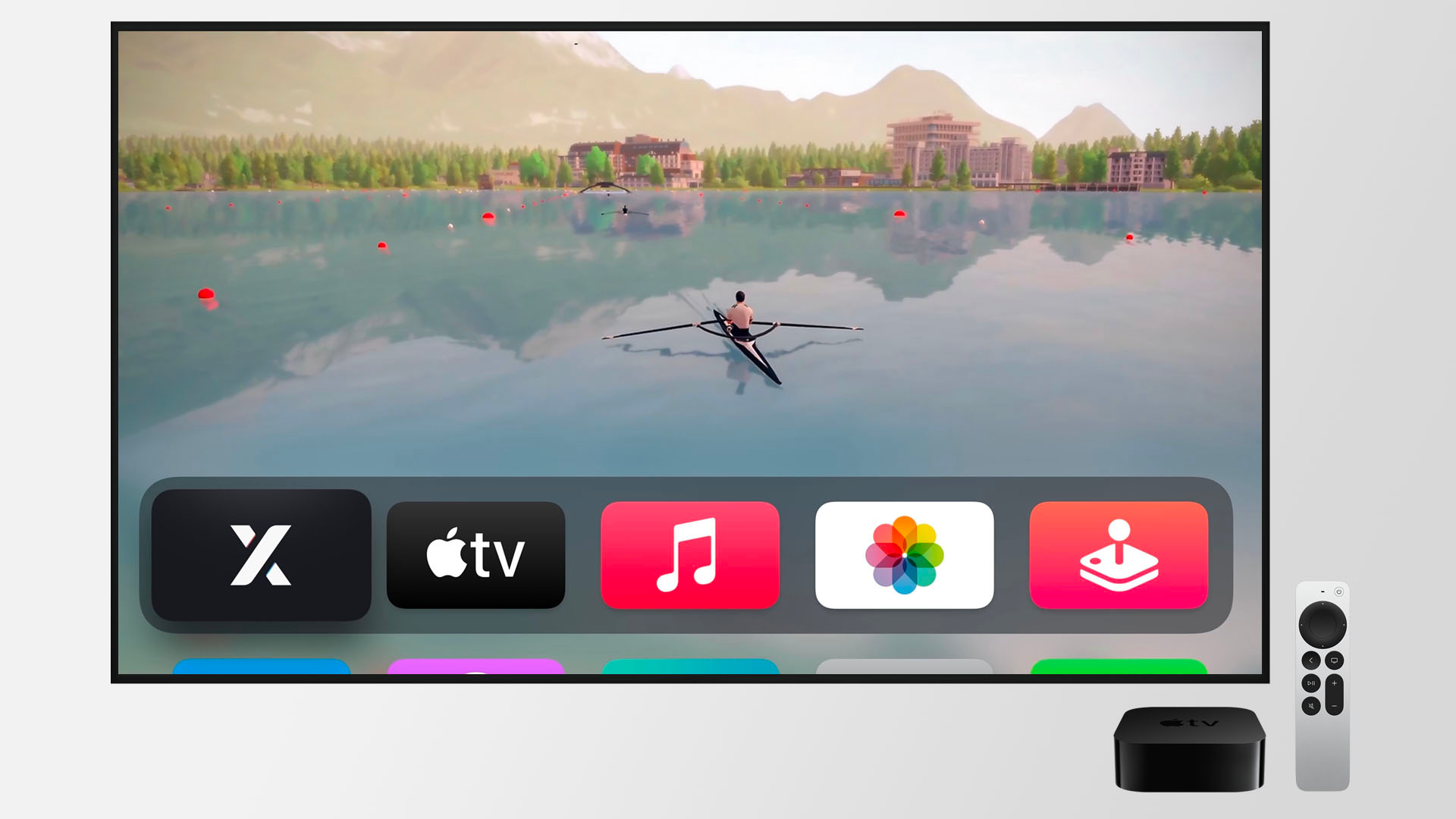
EXR on Apple TV
EXR is playable on all Apple TV 4K models. If you own another Apple TV, you can stream EXR using AirPlay.
Where can I find EXR for Apple TV?
Search for EXR in the App Store on Apple TV.
How do I navigate in EXR?
EXR supports two navigation modes on Apple TV: Clickable Mode and Cursor Mode.
By default, you can navigate the interface by simply selecting and clicking buttons with your Apple TV remote.
If you need more precise control, press the Play/Pause button to switch to Cursor Mode. In Cursor Mode, you can move the cursor and select UI elements.
- 1st generation Siri Remote (touch surface): Navigate between buttons or move the cursor by swiping on the touch surface.
- 2nd generation Siri Remote and newer (clickpad): Navigate between buttons or move the cursor by swiping on the touch surface and/or using the D-pad (directional buttons), depending on your Apple TV settings.
During a rowing session, you can always press the Back/Menu button to open the in-game menu.
My touchpad isn't working. What should I do?
Enable touch input in your Apple TV settings.
The Training Editor isn't working on Apple TV
Some features like the Training Editor and the video settings are disabled on Apple TV. If you want to create custom workouts, you can use the Training Editor on another device. Your EXR account, including all custom workouts, is synced across all of your devices.
The connection drops between my Apple TV and rowing machine
Try moving your rowing machine closer to your Apple TV, as this can help strengthen the Bluetooth connection. Other nearby Bluetooth devices may also cause interference, so turning off any unused Bluetooth devices could improve connectivity.